
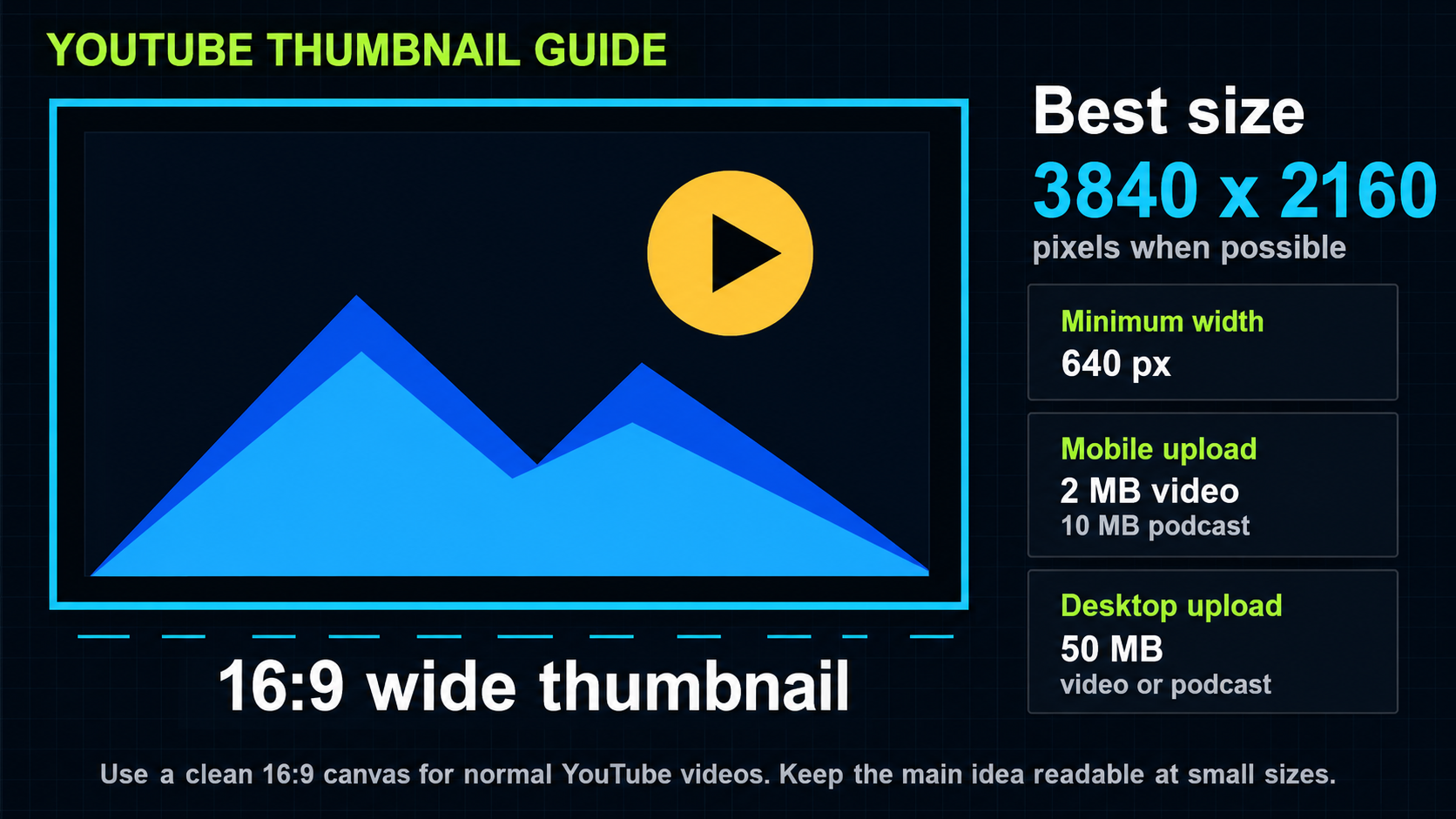
If you only remember one thing, remember this: a normal YouTube thumbnail should be a wide 16:9 image. YouTube currently recommends custom thumbnails be as large as possible and lists 3840 x 2160 pixels with a minimum width of 640 pixels.
YouTube recommends custom thumbnails use a 16:9 aspect ratio, because that is the shape most often used in YouTube players and previews. In plain English, 16:9 is the wide rectangle shape people expect from normal YouTube videos.
Recommended YouTube thumbnail size and specs
When people ask for YouTube thumbnail size, YouTube thumbnail dimensions, or YouTube thumbnail specs, they are usually asking the same thing: what canvas should I export, what shape should it be, and will YouTube accept the file?
Common YouTube thumbnail dimensions
The most common 16:9 YouTube thumbnail dimensions are 3840 x 2160, 1920 x 1080, and 1280 x 720. All three fit the wide YouTube thumbnail shape. The difference is how much detail the design has before compression.
Is 1280 x 720 still okay?
Yes. A 1280 x 720 image is still 16:9, and many creators use it because it is simple, lightweight, and easy to export. It is not the largest option, though. If you want a higher-resolution thumbnail, 1920 x 1080 or 3840 x 2160 keeps the same 16:9 shape and gives the design more pixels to work with.
Can a YouTube thumbnail be 1920 x 1080?
Yes. A 1920 x 1080 thumbnail is still a 16:9 image, so the shape is right. It is a good middle ground: larger than 1280 x 720, smaller than 3840 x 2160, and usually easy to keep clean when exported.
The practical issue is file size. If you are uploading from a phone or tablet, keep a normal video thumbnail at 2 MB or smaller. Podcast thumbnails uploaded from mobile can be larger, up to 10 MB. If you upload from a desktop computer, YouTube allows thumbnail files up to 50 MB for both regular videos and podcasts.
Most creators will never need a huge file. If your thumbnail is too large, export a compressed JPG or PNG, keep the 16:9 layout, and check that the text still looks sharp after compression.
What should go inside the thumbnail?
The size is only the technical part. A clickable thumbnail also needs a clear idea. People should understand the topic fast, especially on a phone screen. One strong subject usually works better than five tiny details competing for attention.
- Use one main subject: a face, product, object, scene, or bold visual hook.
- Keep text short. Three to five big words usually read better than a full sentence.
- Make the important parts large enough to understand on mobile.
- Use contrast so the subject does not blend into the background.
- Leave a little breathing room around the edges because YouTube may crop or overlay parts of the preview in some placements.
What about Shorts and vertical videos?
Shorts are trickier than regular long-form videos. YouTube notes that you cannot upload a custom thumbnail for Shorts the same way you can for long-form videos. You can select a frame from the Short for certain places, and vertical videos with 16:9 custom thumbnails may be replaced by an auto-generated 4:5 thumbnail on some mobile discovery surfaces.
If the video is a normal YouTube upload, use 16:9. If the video is a Short or vertical-first clip, it is smart to plan for a vertical cover or at least make sure the center of the design still makes sense when cropped.
What about podcast playlists?
YouTube recommends a 1:1 square thumbnail at 1280 x 1280 pixels for podcast playlists instead of a normal 16:9 thumbnail. So if you are making a podcast playlist cover, square is the safer format. If you are making a normal video thumbnail for a podcast episode, 16:9 is still the common video layout.
YouTube thumbnail specs checklist before uploading
- Make the thumbnail 3840 x 2160 pixels when possible, or use another sharp 16:9 size like 1920 x 1080 or 1280 x 720.
- Keep the design in a 16:9 wide layout.
- Export as JPG, PNG, or GIF.
- For mobile uploads, keep regular video thumbnails at 2 MB or less and podcast thumbnails at 10 MB or less. For desktop uploads, keep either type at 50 MB or less.
- Zoom out and check if the main idea is still readable at phone size.
- Make sure the thumbnail follows YouTube's policies and does not mislead viewers.
Sizing and upload limit guidance checked against YouTube Help on May 25, 2026.
Quick creator tip
If you are ordering from us, send the video link, channel link, any logos or people you want included, and a short idea of the emotion or promise of the video. If you do not know the exact text yet, describe the goal and we can help shape it.
Want it done for you?
If you do not want to make the thumbnail yourself, we can do it for you.
cheapthumbnails.com makes clean custom thumbnails starting at just $10. Send the idea, references, and link, then track the job in your customer portal.