
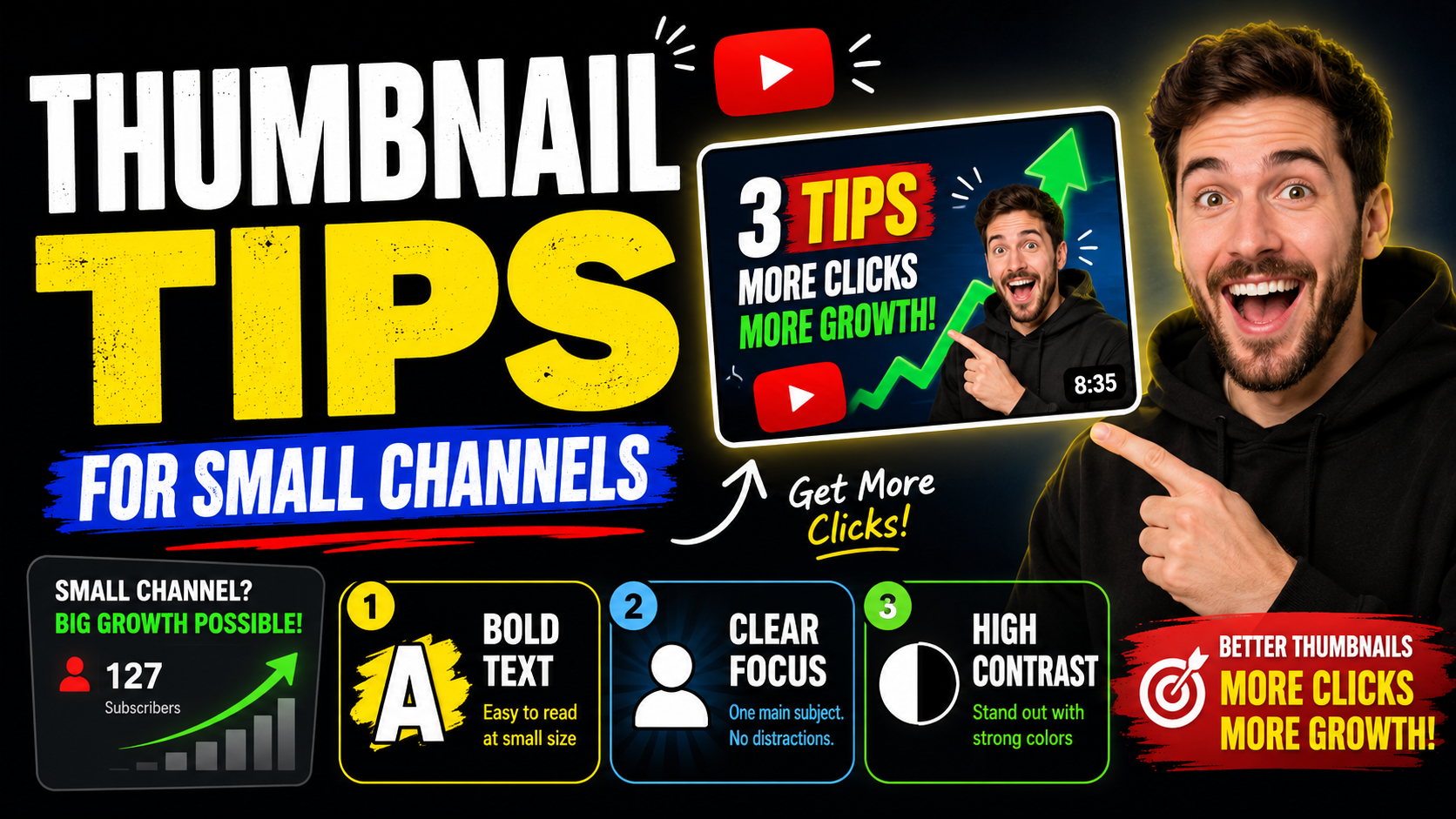
When a channel is small, every impression matters. The thumbnail has to tell a stranger why this video is worth trying. That means the design should be simple, readable, and directly connected to the video promise.
Do not copy huge creators blindly
Big channels sometimes get clicks because viewers already know them. A smaller channel has to be clearer. Before you use inside jokes, vague titles, or complicated visuals, make sure a new viewer understands the topic.
Make the main idea bigger
Small creators often use screenshots that show too much. Pick one subject, crop it closer, and make the important detail larger. If the thumbnail needs text, use short words that add context instead of repeating the full title.
Create a simple brand pattern
Your thumbnails do not need to look identical, but they should feel like they belong to the same channel. Repeated colors, similar text treatment, and consistent subject framing can help viewers recognize you over time.
Small channel thumbnail checklist
- Make the topic clear before adding style.
- Use one subject, one emotion, or one result.
- Do not depend on viewers knowing your face yet.
- Keep the title and thumbnail working together instead of repeating each other.
- Use a consistent look so returning viewers can spot your uploads.
Pick the videos that deserve extra help
If the budget is tight, start with videos that can keep bringing views over time: tutorials, reviews, comparisons, searchable topics, evergreen explainers, and uploads you spent real time making. Those thumbnails have more chances to earn the money back.
Spend design help where it matters most
You may not need custom design for every upload. Use it for videos that are evergreen, high-effort, product-focused, educational, or important to the channel's growth.
Get a cleaner first impression
We can make your next thumbnail look more intentional.
Order a custom thumbnail starting at $10. Send the video idea and references, and we will help make the design clear for new viewers.
Start order