
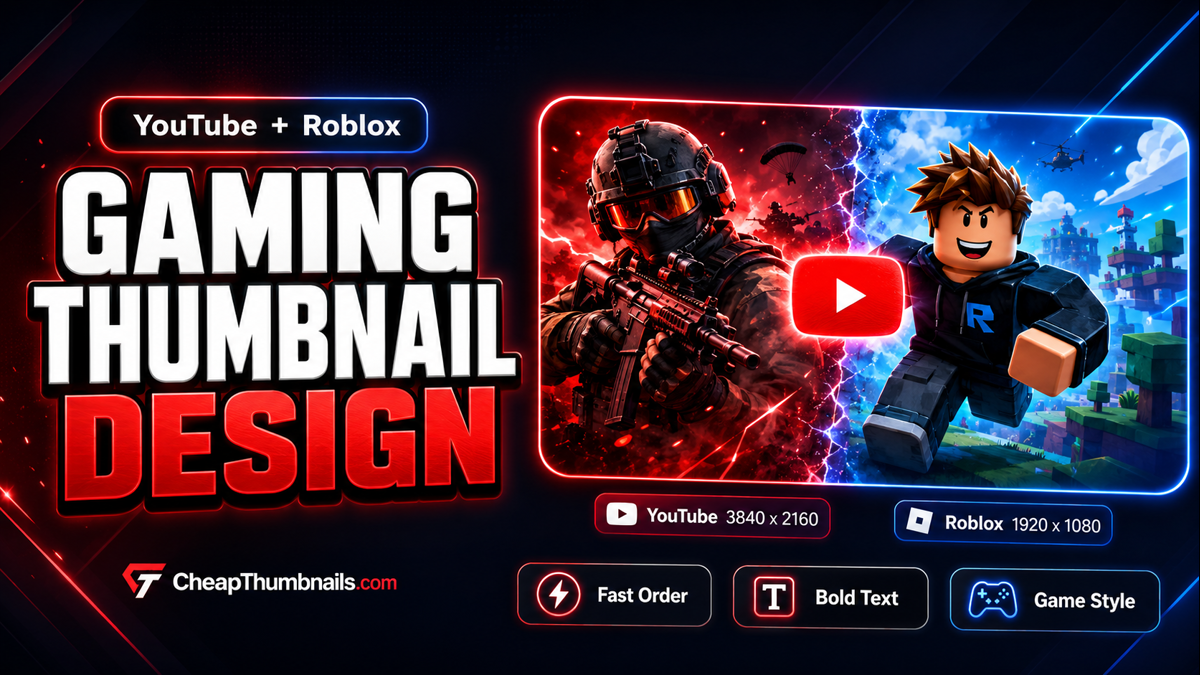
Need one made?
Order a gaming thumbnail starting at $10.
Choose YouTube, Roblox, or another gaming format. Send the game idea, video link, screenshots, and any text you want on the thumbnail.
Order a Gaming ThumbnailWhat is a gaming thumbnail design service?
A gaming thumbnail design service makes the image people see before they click your game or video. For YouTube, the thumbnail appears in search, home, suggested videos, and your channel page. For Roblox, the thumbnail helps your experience look stronger in Roblox discovery areas.
A good gaming thumbnail should make the idea easy to understand fast. It should not feel messy. It should not rely on tiny text. It should show the most exciting part of the video, game, update, boss, item, or scene.
YouTube gaming thumbnail design
YouTube gaming thumbnails are made for video topics like Roblox videos, Minecraft videos, Fortnite videos, anime game videos, simulator videos, horror games, funny moments, updates, challenges, and tutorials.
A strong YouTube gaming thumbnail should show the best reason to click. That could be a boss fight, a rare item, a scary monster, a funny face, a before-and-after, or a big game update.
Roblox game thumbnail design
Roblox thumbnails are made for Roblox experiences. They help your game look fun before someone joins. The best Roblox game thumbnail size is 1920 x 1080 pixels, and sponsored experience thumbnails use the same wide 16:9 shape.
Good Roblox thumbnail ideas include anime fight scenes, new update images, simulator rewards, horror monsters, obby escape scenes, tycoon upgrades, pet showcases, boss battles, and island or map previews.
YouTube vs Roblox thumbnail size
Both YouTube and Roblox use wide 16:9 artwork for normal video or game thumbnails. The main difference is the final export size. If you need both, we can keep the concept similar and export the right version for each platform.
- YouTube gaming thumbnail: 3840 x 2160 master file, with 1280 x 720 export if needed.
- Roblox game thumbnail: 1920 x 1080 pixels.
- Roblox sponsored thumbnail: 1920 x 1080 pixels.
- YouTube Shorts cover frame: 1080 x 1920 pixels.
- Roblox game icon: 512 x 512 pixels.
What makes a good gaming thumbnail?
A good gaming thumbnail is simple, bold, and easy to read. The viewer should understand it in about one second. Use one main idea, one strong subject, and text that can still be read when the image is small.
- A clear character, face, item, boss, monster, or reward.
- Short text, usually two to five words.
- Strong color contrast so the subject separates from the background.
- A style that matches the game: scary, funny, anime, action, simulator, clean, or cartoon.
- Enough space around the text so it does not feel crushed.
Popular gaming thumbnail styles
Different gaming thumbnails need different visual energy. A horror game should not feel like a bright simulator thumbnail. A Roblox anime fight thumbnail should not look like a calm tutorial thumbnail.
- Anime fighting style: good for Roblox anime games, battle games, arena games, and power-based games.
- Simulator style: good for pet simulators, money simulators, clicker games, and reward-based games.
- Horror style: good for scary games, survival games, monster games, and escape games.
- Update style: good for new maps, new bosses, new powers, new pets, and game launches.
- Challenge style: good for YouTube videos with a goal like I survived, I built, I beat, or I tried.
- Clean pro style: good for creators who want a more serious gaming channel or game page.
What we can design
cheapthumbnails.com can make custom gaming thumbnails for YouTube gaming videos, Roblox games, Roblox updates, Roblox sponsored thumbnails, anime fighting games, simulator thumbnails, horror games, obby thumbnails, tycoon thumbnails, boss fight thumbnails, challenge videos, tutorial videos, Shorts cover frames, and Roblox icons.
If you need more than one platform, tell us in the order. We can shape one idea into the right file for each use.
Ready when you are
Send the idea and let us handle the format.
Not sure what size to choose? Pick the closest platform and explain the goal. We can set up the thumbnail for YouTube, Roblox, or both.
Start a gaming thumbnail orderHow our thumbnail order process works
- Pick the thumbnail type, such as YouTube, Roblox, Shorts, or icon.
- Tell us the game, video idea, title, update, or main hook.
- Upload screenshots, characters, logos, maps, game icons, or reference images if you have them.
- Tell us the text, style, colors, and any must-use details.
- We design the thumbnail in the right size for the platform.
- You download the finished work from your order thread.
What to send when you order
The more helpful the brief is, the faster the thumbnail can come together. You do not need a perfect design plan. A clear idea is enough, but references help.
- Platform: YouTube, Roblox, Shorts, or another format.
- Game or video name: title, update name, game link, or main idea.
- Thumbnail text: short text like New Update, Secret Boss, Rare Drop, or Can I Win.
- Style: anime, scary, funny, bright, clean, dark, action, cartoon, or pro.
- Assets: screenshots, Roblox character images, logos, maps, game art, or reference thumbnails.
- Deadline: normal delivery is up to 5 days, with rush delivery available when you need it faster.
Best text ideas for gaming thumbnails
Good thumbnail text is short and loud. Avoid long sentences. If the text is too long, people may not read it.
- New Update
- Secret Boss
- I Survived
- Biggest Fight
- Rare Drop
- Max Level
- Free Reward
- New Island
- Insane Build
- Can I Win
Common gaming thumbnail mistakes
- Too many words: use short text instead.
- The main character is too small: make the subject large enough to understand fast.
- Dark colors with no contrast: use glows, bright edges, or a lighter background.
- Wrong Roblox size: use 1920 x 1080 for Roblox game thumbnails.
- Wrong Shorts shape: use 1080 x 1920 for a Shorts cover frame.
- Low quality screenshots: send clear screenshots or let us build a stronger design from the idea.
Who this service is for
This service is built for Roblox game owners, Roblox developers, YouTube gaming creators, small gaming channels, new Roblox groups, streamers, people launching updates, people testing ads, and creators who want clean gaming visuals without spending hours in a design tool.
Gaming thumbnail design FAQ
What size should a YouTube gaming thumbnail be?
A good YouTube gaming thumbnail uses a 16:9 shape. We can design a large 3840 x 2160 master file and export a 1280 x 720 version if needed.
What size should a Roblox game thumbnail be?
A Roblox game thumbnail should be 1920 x 1080 pixels. Roblox sponsored experience thumbnails also use a wide 16:9 format.
Can the same thumbnail work for YouTube and Roblox?
Sometimes yes, because both are 16:9. The best design may still need small changes for each platform. YouTube thumbnails often need stronger text and faces. Roblox thumbnails often need to show the game world or main action.
Can you make anime fighting Roblox thumbnails?
Yes. Anime fighting thumbnails are a strong fit for Roblox. They often use bold energy effects, big characters, and action poses.
Can you make a new update thumbnail?
Yes. New update thumbnails are useful for Roblox and YouTube. Short text like New Update, New Island, New Boss, or New Power works well.
Should I use PNG or JPG?
Use PNG if the thumbnail has sharp text or clean game art. Use JPG if the file needs to be smaller. We can export the file type that fits your upload.
Can you use my Roblox character or game screenshot?
Yes. Upload the image or screenshot when you order. Use images you own or have permission to use.
Can you make a thumbnail without assets?
Yes. We can make a design from your idea, but assets help the thumbnail match your game or video better.
Can you make a YouTube Shorts cover too?
Yes. A Shorts cover frame should be vertical. Use 1080 x 1920 pixels.
Custom gaming thumbnails
Order your YouTube or Roblox gaming thumbnail now.
Pick your platform, send your idea, and we will design the right size for the place you plan to upload it.
Order your gaming thumbnail nowSource note: This guide was last checked in June 2026 using YouTube Help, Roblox Creator Hub, and Google Search Central.